Ripple
Ripples are state layers used to communicate the status of a component or interactive element.
A state layer is a semi-transparent covering on an element that indicates its state. A layer can be applied to an entire element or in a circular shape.
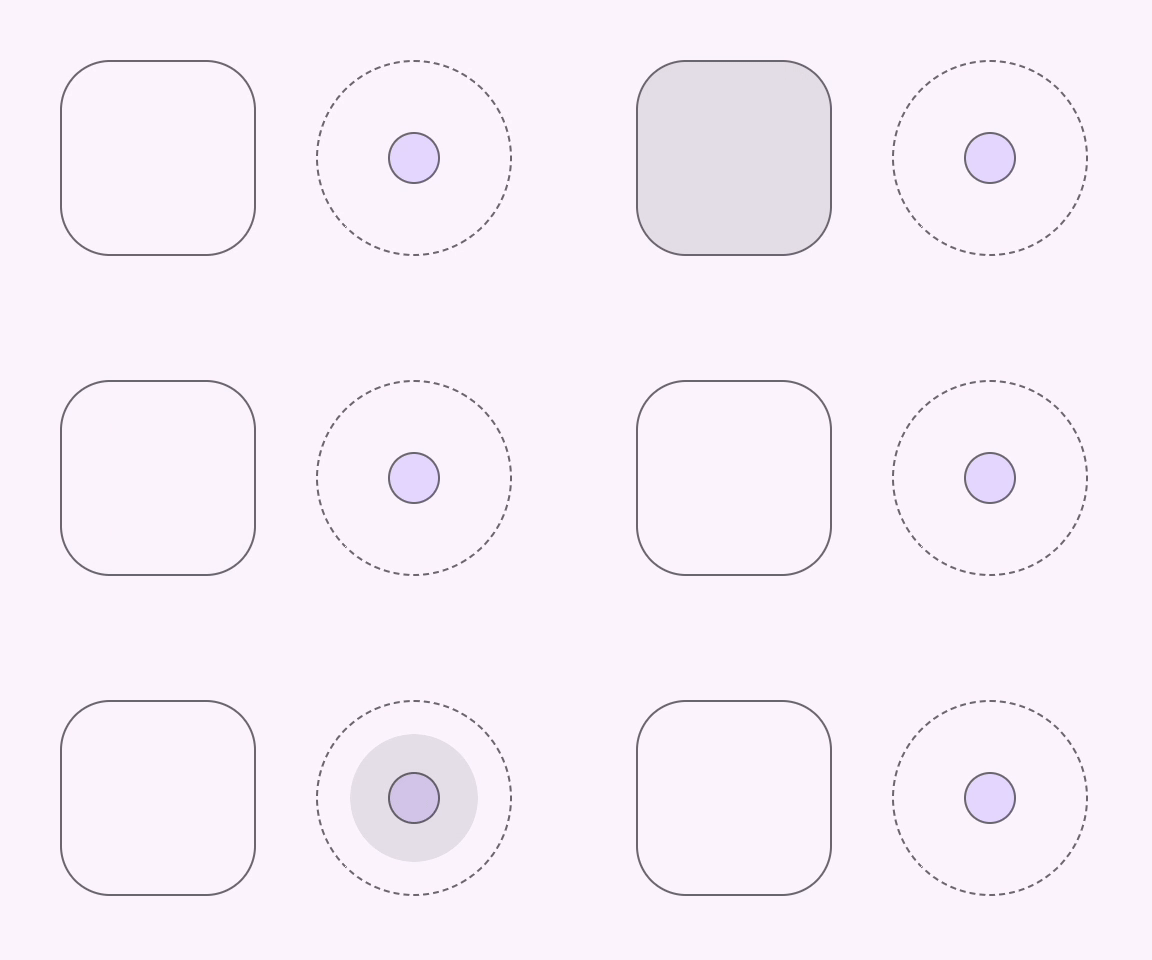
Interactive Demo
Link to “Interactive Demo”View interactive demo inline.
Open interactive demo in new tab.
Usage
Link to “Usage”Ripples display on hover and press pointer interactions. They may be attached to a control in one of three ways.
Attached to the parent element
content_copy check <style> .container { position: relative; } </style> <button class="container"> <md-ripple></md-ripple> </button>Attached to a referenced element
content_copy check <style> .container { position: relative; } </style> <div class="container"> <md-ripple for="control"></md-ripple> <input id="control"> </div>Attached imperatively
content_copy check <style> .container { position: relative; } </style> <div class="container"> <md-ripple id="ripple"></md-ripple> <button id="ripple-control"></button> </div> <script> const ripple = document.querySelector('#ripple'); const control = document.querySelector('#ripple-control'); ripple.attach(control); </script>
bookmark ripples must be placed within a position: relative container.
Unbounded
Link to “Unbounded”To create an unbounded circular ripple centered on an element, use the following styles.
.container {
  display: flex;
  place-content: center;
  place-items: center;
  position: relative;
}

md-ripple.unbounded {
  border-radius: 50%;
  inset: unset;
  height: var(--state-layer-size);
  width: var(--state-layer-size);
}<style>
.container {
border-radius: 50%;
height: 32px;
width: 32px;
/* Needed for unbounded ripple */
display: flex;
place-content: center;
place-items: center;
position: relative;
}
md-ripple.unbounded {
/* Needed for unbounded ripple */
border-radius: 50%;
inset: unset;
height: 64px;
width: 64px;
}
</style>
<button class="container">
<md-ripple class="unbounded"></md-ripple>
</button>Accessibility
Link to “Accessibility”Ripples are visual components and do not have assistive technology requirements.
Theming
Link to “Theming”Ripples support Material theming and can be customized in terms of color.
Tokens
Link to “Tokens”| Token | Default value |
|---|---|
--md-ripple-hover-color | --md-sys-color-on-surface |
--md-ripple-pressed-color | --md-sys-color-on-surface |
Example
Link to “Example”<style>
:root {
--md-sys-color-primary: #006A6A;
--md-ripple-hover-color: var(--md-sys-color-primary);
--md-ripple-pressed-color: var(--md-sys-color-primary);
}
.container {
position: relative;
}
</style>
<button class="container">
<md-ripple></md-ripple>
</button>MdRipple <md-ripple>
Link to “MdRipple <md-ripple>” Properties
Link to “Properties”| Property | Attribute | Type | Default | Description |
|---|---|---|---|---|
disabled | disabled | boolean | false | Disables the ripple. |
htmlFor | string | undefined | ||
control | HTMLElement | undefined |
Methods
Link to “Methods”| Method | Parameters | Returns | Description |
|---|---|---|---|
attach | control | void | |
detach | None | void |